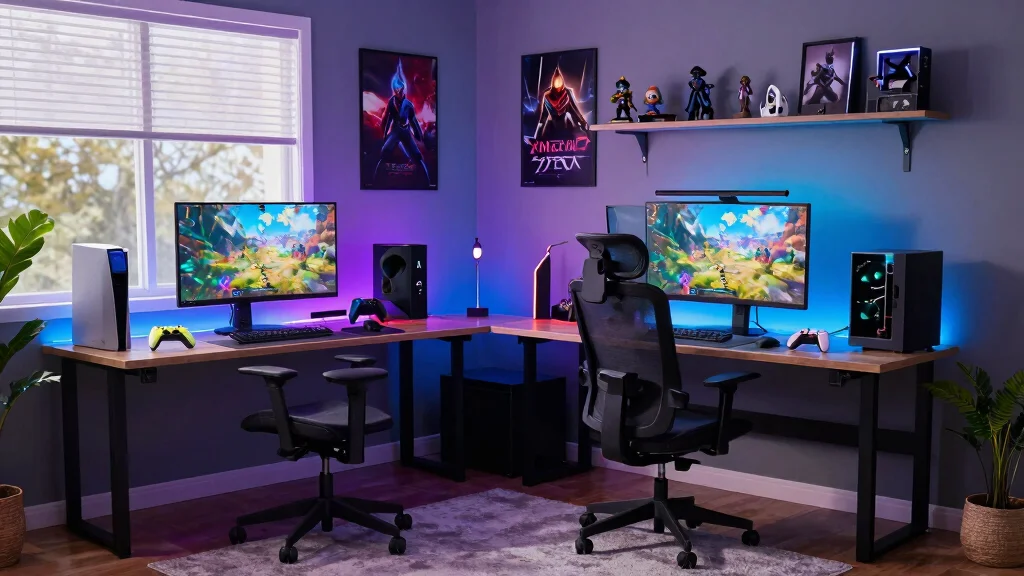
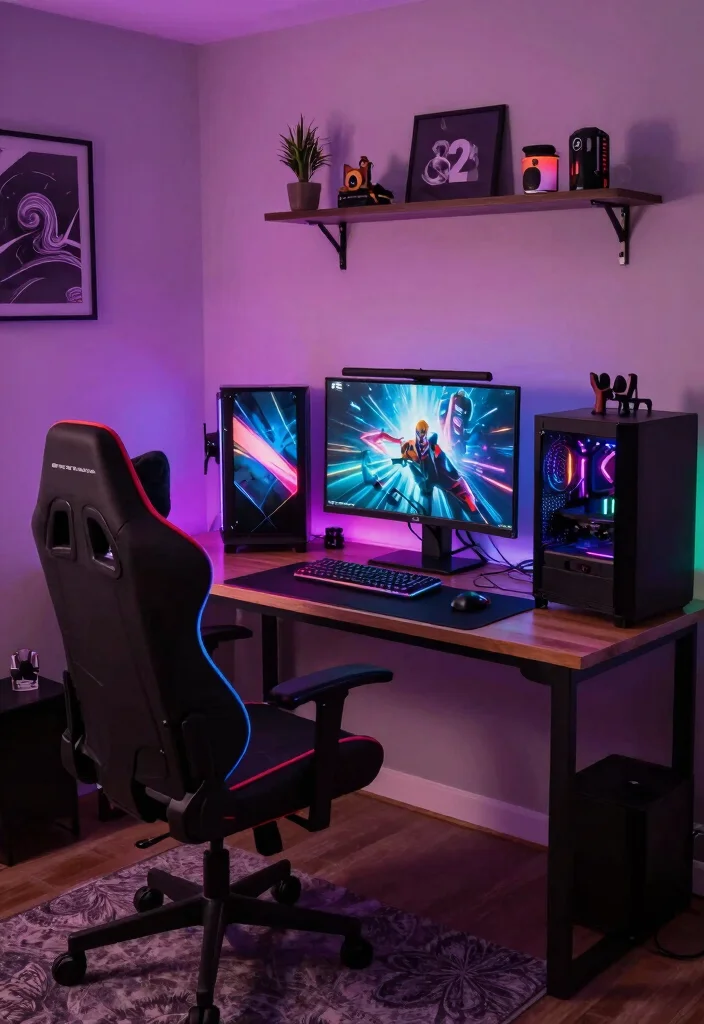
Creating the perfect gamer office is more than just slapping together a desk and a chair. It’s about building a space that immerses you in your passion for gaming and content creation. With the rise of streaming and gaming communities, many of us are craving that ideal setup where we can express our personality and enhance our productivity. That’s why I crafted this list of gamer office ideas that cater specifically to streamers and creators like you.
If you’re a gamer looking to level up your workspace, this post is for you. You care about aesthetics, comfort, and functionality—three key elements that make a workspace truly inspiring. Whether you’re streaming your latest gameplay or working on content creation, the right setup can make all the difference. I’ve gathered 14 immersive gamer office ideas that are stylish, practical, and sure to boost your creative flow.
From innovative decor tips to ergonomic furniture choices, these ideas are designed to help you create a unique gaming sanctuary. Dive into different themes, explore cool accessories, and discover practical solutions to keep your workspace organized. Let’s get ready to transform your gaming area into a haven that reflects your style and enhances your experience!
Key Takeaways
– Lighting Matters: Incorporating RGB lighting can create a captivating atmosphere that enhances your gaming experience and sets the mood for streaming.
– Ergonomics Are Key: Investing in ergonomic furniture can prevent discomfort during long gaming sessions and boost your overall productivity.
– Themed Decor: Customize your space with decor that reflects your gaming interests, adding a personal touch that enhances your environment.
– Optimize Your Setup: A dual monitor setup is perfect for multitasking, allowing you to efficiently manage gameplay and streaming tasks simultaneously.
– Stay Organized: Effective cable management and functional storage solutions can help maintain a tidy workspace, making it easier to focus on your content.
1. RGB Lighting for Immersive Atmosphere
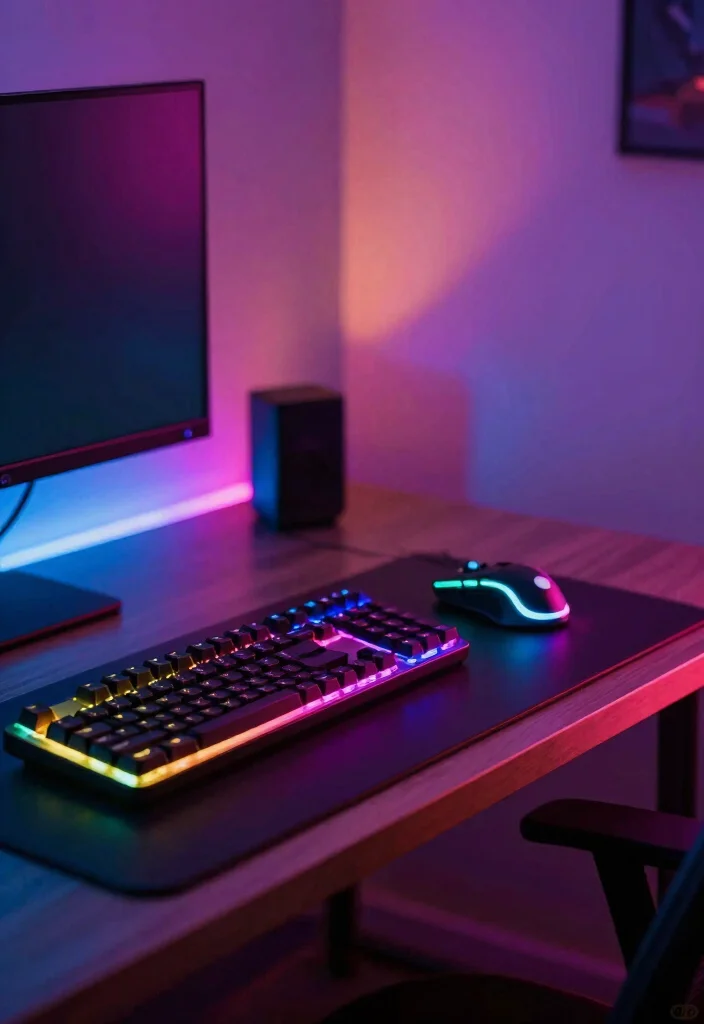
RGB lighting can transform your gaming setup into a vibrant sanctuary that enhances every moment spent in your space. The ability to customize colors creates visual harmony, making the atmosphere feel alive and engaging. Positioning LED strips behind your monitor or under your desk can cast an enchanting glow that draws you into your gaming world, while matching shades with your favorite titles amplifies the experience.
To maximize the impact of RGB lighting, consider smart bulbs that can sync with your gameplay, providing a dynamic environment that changes with every action. This not only enhances immersion but also promotes a deeper emotional connection to your games.
Here are some ideas to elevate your lighting experience:
– Pair RGB strips with ambient lamps for layered lighting.
– Choose warm colors for a cozy atmosphere during casual play.
– Sync your lights with games using compatible software for deeper immersion.
With thoughtful lighting choices, your office can become a dreamlike extension of the gaming realms you love.
2. Ergonomic Furniture for Comfort
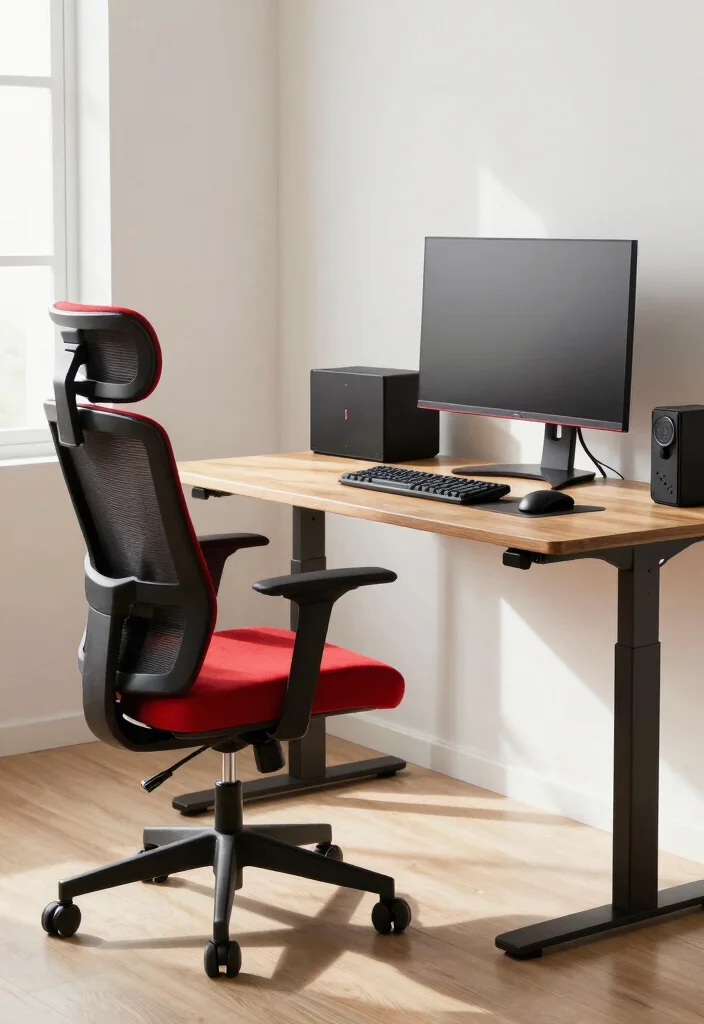
Creating a comfortable gamer office is essential for those long hours spent gaming or streaming. Investing in ergonomic furniture helps prevent discomfort and keeps you focused on your gameplay rather than your aches. Look for chairs that offer lumbar support and adjustable features to ensure a perfect fit for your body, while desks that can transition between sitting and standing help maintain your energy levels.
Incorporating ergonomic elements into your setup doesn’t have to break the bank; consider budget-friendly options like adjustable desk converters or second-hand chairs that offer good support. These choices align with current trends emphasizing health and wellness in gaming spaces.
Here are some tips for selecting ergonomic furniture:
– Choose chairs with proper lumbar support for back health.
– Opt for height-adjustable desks to promote better posture.
– Add accessories like footrests and wrist supports for enhanced comfort.
The right furniture not only boosts your comfort but also enhances your gaming performance, allowing you to enjoy lengthy sessions without fatigue.
3. Themed Decor that Reflects Your Style
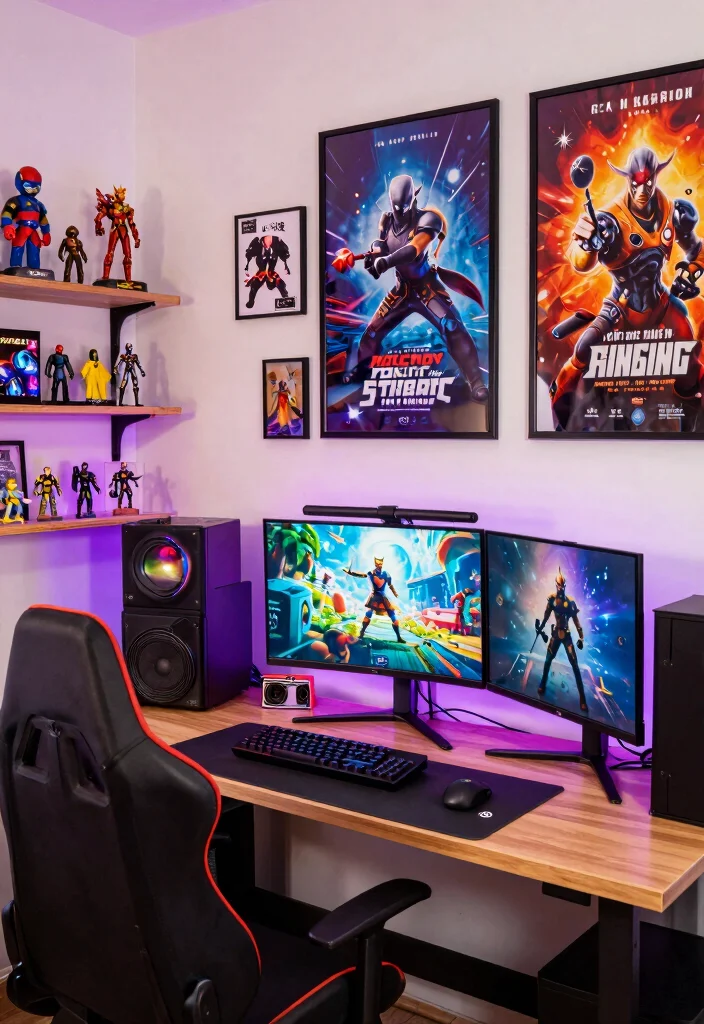
Your gamer office should reflect your unique tastes and interests, making it a personal retreat. By incorporating themed decor like posters from your favorite games or collectibles, you create a space that feels inviting and inspiring. Wall art featuring beloved characters or game landscapes adds visual appeal and sparks nostalgia, enhancing your overall gaming experience.
To make your decor truly stand out, consider using shelves to display figurines or customized wall art that resonates with your gaming journey. This approach aligns with broader trends in personalized spaces that prioritize individual expression.
Here are some creative decor ideas:
– Showcase collectibles on shelves or in shadow boxes.
– Use prints that represent your favorite games for wall art.
– Coordinate your decor colors with your gaming gear for a unified look.
A well-decorated office not only enhances your gaming setup but also inspires creativity and passion for your hobbies.
4. Dual Monitor Setup for Optimal Multitasking
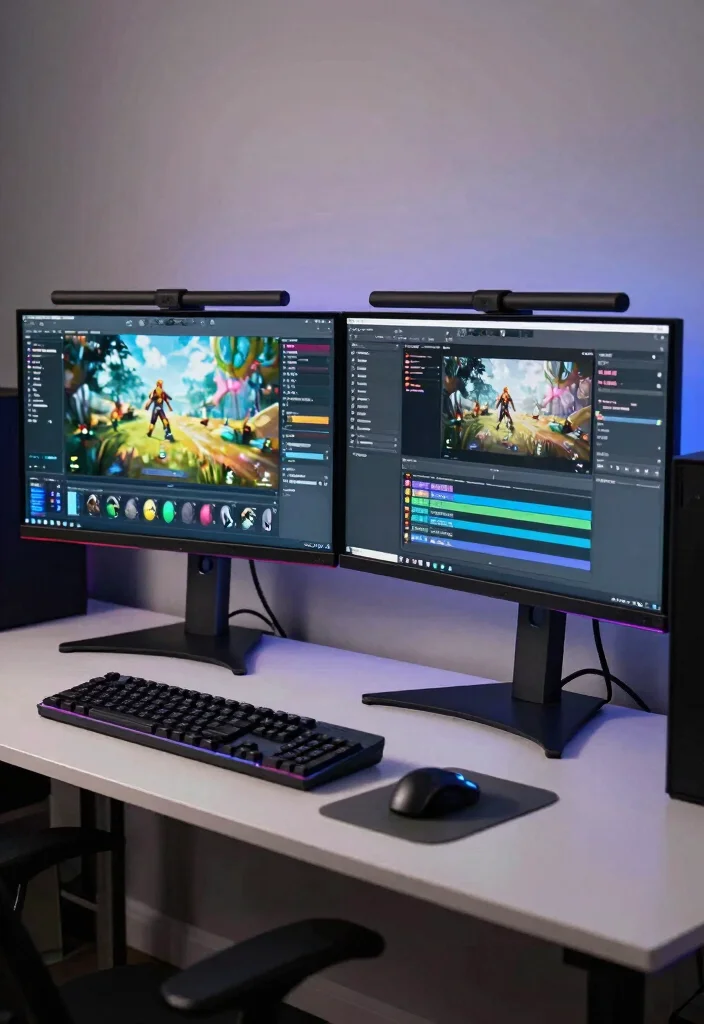
A dual monitor setup can significantly enhance your productivity and gaming experience, especially for streamers and content creators. With more screen space, you can effortlessly manage your game alongside chat or editing software, allowing for seamless multitasking. This setup not only boosts efficiency but also makes your workspace feel professional and polished.
To optimize your dual monitor experience, ensure your monitors are aligned at eye level to prevent strain and choose matching sizes for a cohesive look. Effective cable management will keep your workspace tidy, aligning with the trend of organized and efficient workspaces.
Here are some points to consider:
– Position monitors at eye level to reduce neck strain.
– Match monitor sizes and resolutions for a cohesive display.
– Use cable management solutions to keep wires organized and neat.
Embracing a dual monitor setup can elevate your gaming and streaming sessions, creating a streamlined and professional atmosphere.
5. Soundproofing for Ultimate Focus
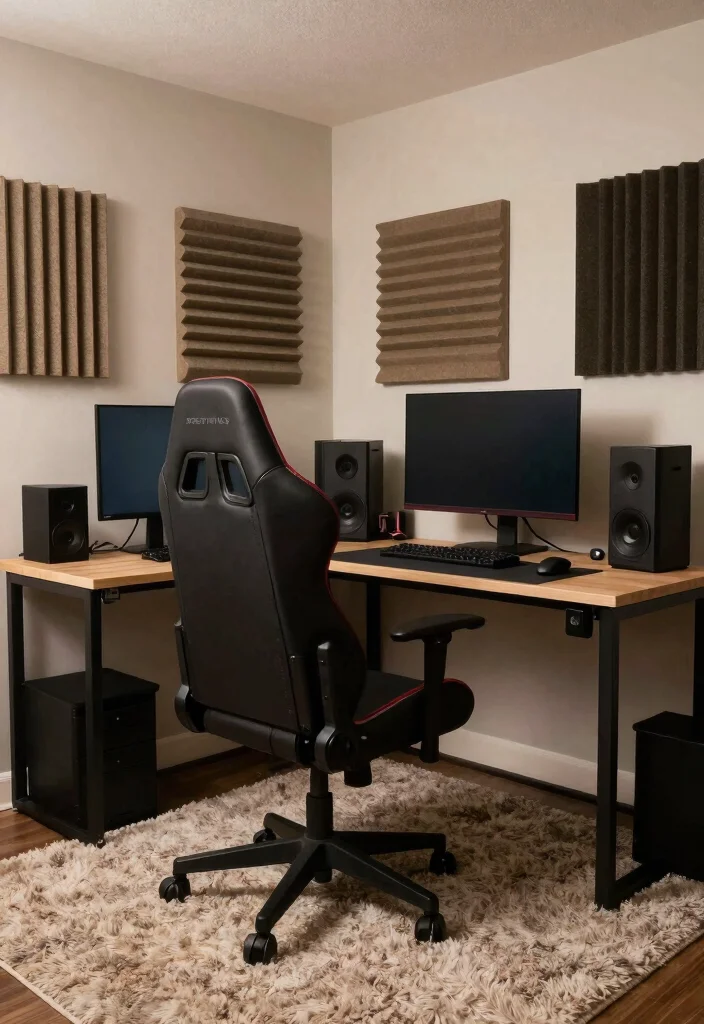
Creating a soundproof gamer office can greatly enhance your focus and concentration, allowing you to fully immerse yourself in your games. Noise can be a major distraction, but with appropriate soundproofing materials, you can create a serene environment that fosters creativity. Consider using foam panels, thick carpets, or heavy curtains to absorb sound and reduce outside noise.
These soundproofing solutions don’t have to be costly; many affordable options are available that can effectively enhance your gaming experience. Combining soundproofing with your overall design can help create a focused and peaceful environment.
Here are some effective soundproofing tips:
– Install acoustic panels to reduce echo and outside noise.
– Use thick rugs to dampen vibrations and sound.
– Incorporate soft furnishings like cushions to absorb sound.
With these soundproofing adjustments, your office will transform into a tranquil haven for gaming and creativity.
Soundproofing for Ultimate Focus
Editor’s Choice




6. Creative Desk Layouts
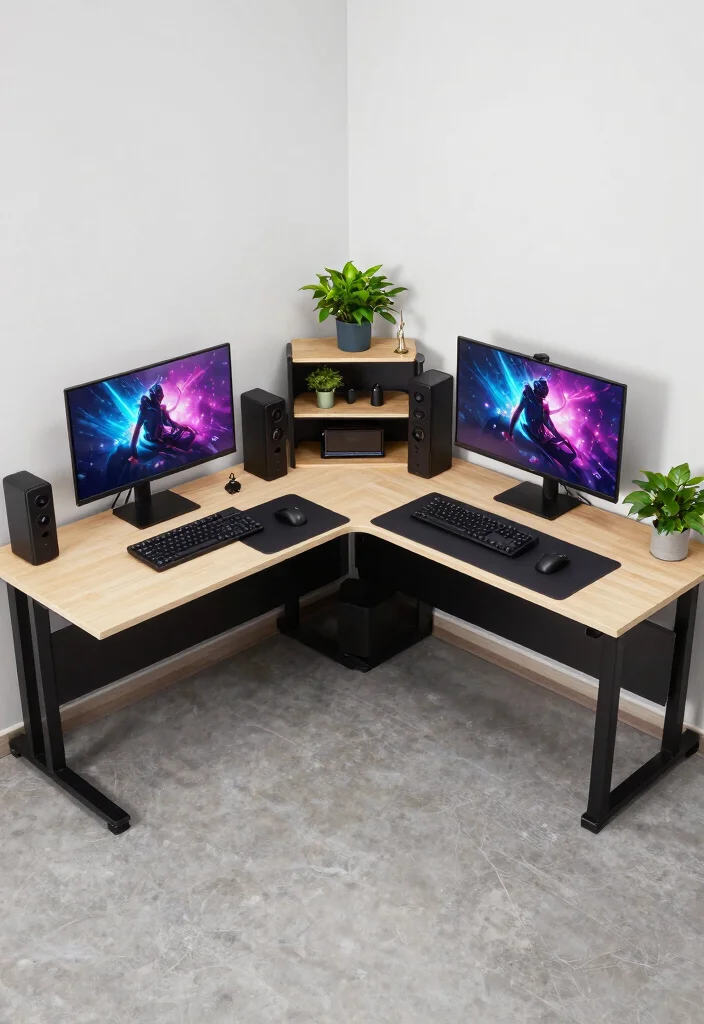
Your desk layout plays a crucial role in your gaming workflow and overall experience. By organizing different zones for gaming, streaming, and working, you can enhance your efficiency and comfort. Utilizing desk organizers keeps everything tidy and allows for easy access to your gear.
Experimenting with creative layouts can invigorate your workspace, helping you maintain high energy levels during long sessions. Consider current trends that emphasize personalized and functional workspaces.
Here are some layout ideas to inspire you:
– Create a U-shaped desk for ample space and versatility.
– Opt for an L-shaped desk to maximize corner areas.
– Use a standing desk to encourage movement and reduce fatigue.
A thoughtfully designed desk layout can breathe new life into your office, making it more enjoyable and productive.
7. Personalized Wall Art and Posters
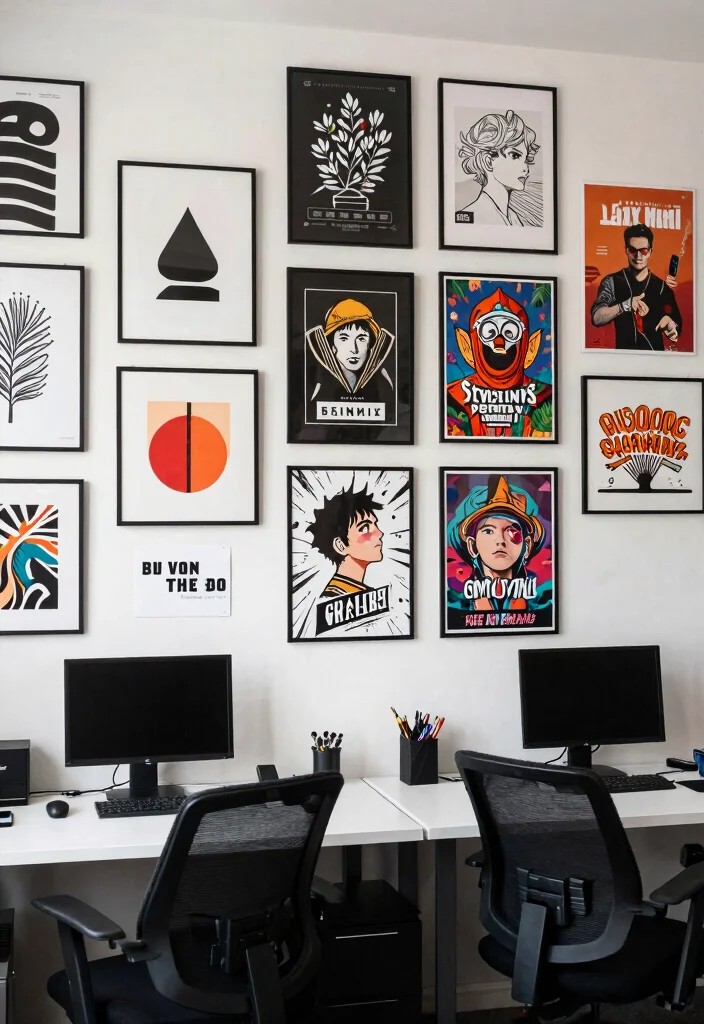
Personalizing your gamer office with wall art and posters can infuse character and creativity into the space. From framed prints of your favorite titles to custom artwork that tells your gaming story, these elements can make your workspace feel welcoming and inspiring.
Selecting the right pieces can transform your office into a motivational environment. Mixing various art styles can create visual interest and keep your space fresh and engaging.
Here are some tips for curating your art collection:
– Combine different styles like fan art and minimalist pieces.
– Create a gallery wall to showcase your favorite art.
– Change your art seasonally to keep the space dynamic.
Engaging with art that reflects your personality can enhance your creativity and enjoyment while gaming.
Personalized Wall Art and Posters
Editor’s Choice


Cost Breakdown & Budget Planning
When planning a gamer office setup, it’s crucial to understand your budget. Whether you’re a casual gamer or a dedicated streamer, knowing where to allocate your funds can make a big difference. Let’s break down the costs so you can plan effectively.
Cost Breakdown by Category:
– Materials/Products: $300 – $2,000+
This includes furniture like desks and chairs, gaming accessories, and decor items such as RGB lighting and wall art. Basic desks start around $100, while high-end gaming desks can go up to $1,000 or more.
– Tools/Equipment: $50 – $300+
If you need to assemble furniture or install equipment, budget for tools like screwdrivers or cable management supplies. This cost may vary based on what you already own.
– Labor/Professional Installation: $100 – $500
If you’re not handy, consider hiring someone to set up your space. Simple installations may cost less, while complex setups could increase the price.
– Optional Extras: $50 – $500+
Think about mini fridges, soundproofing materials, or extra lighting. These enhancements can elevate your gaming experience, so include them if your budget allows.
Budget Tier Breakdown:
Basic Economy Tier $
– What’s included: Minimum viable options like a simple desk, basic chair, and standard monitor.
– Good for: New gamers or those on a tight budget looking for a functional space.
– Limitations: You miss out on comfort, style, and immersive elements like RGB lighting or ergonomic furniture, which can enhance your experience.
Mid-Range Tier $$
– What’s included: A quality desk and chair, dual monitors, ambient lighting, and some themed decor.
– Good for: Gamers who stream occasionally or play for longer sessions, offering comfort and creativity in design.
– Best value for: Most people as it balances cost and quality, giving you a solid setup without breaking the bank.
Premium Tier $$$
– What’s included: High-end furniture, multiple monitors, top-tier gaming rigs, and specialized lighting and soundproofing.
– Good for: Serious streamers or content creators who spend hours in their setup and need the best quality for performance.
– Worth it if: You’re pursuing a career in gaming or content creation and need a professional-level environment to help you succeed.
Money-Saving Tips:
– Shop second-hand: Look for gently used furniture and equipment online. Websites like Craigslist or Facebook Marketplace can have great deals. 🛍️
– DIY projects: If you enjoy crafting, consider building your own desk or shelves. This can save money and add a personal touch to your space. 🔨
– Wait for sales: Keep an eye on holidays or special sales events for discounts on gear and furniture. Timing can save you a lot! ⏱
– Combine costs: Buy items in bulk or together. Some stores offer package deals on desks, chairs, and accessories that can lower overall costs.
Where to Splurge:
– Chair: Invest in a good ergonomic chair. It can prevent back pain and enhance comfort during long gaming sessions, making it a wise choice. 🪑
– Monitor setup: A dual or ultra-wide monitor setup can significantly enhance your gaming or streaming experience. Quality visuals can make a big difference in your workflow and enjoyment. 🎮
– Lighting: RGB lighting or smart light systems can add an immersive vibe to your gaming space. Good lighting not only enhances aesthetics but can also improve your mood and focus. 💡
This budget guide will help you plan your gamer office setup effectively. Whether you’re going for a basic or premium setup, understanding where to spend and where to save makes all the difference. Happy decorating! 🚀
8. Cozy Reading Nook
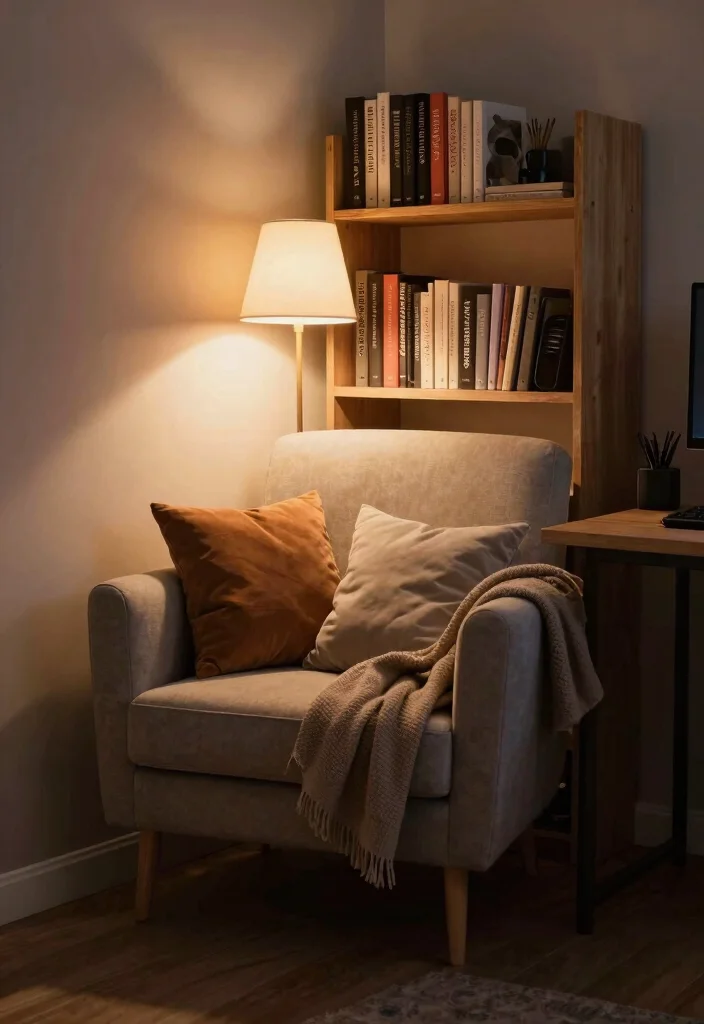
A cozy reading nook can be a wonderful addition to your gamer office, providing a serene space to unwind between gaming sessions. This area can be designed with a comfortable chair, good lighting, and a small bookshelf filled with gaming-related literature or novels.
Creating a nook doesn’t have to take up much space; a corner of your office can become a retreat for relaxation and inspiration. This aligns with the trend of multifunctional spaces that promote balance in busy lives.
Here are some elements to consider for your nook:
– Choose a comfy armchair or chaise lounge for hours of reading.
– Add a warm lamp for optimal lighting during reading hours.
– Include a bookshelf stocked with your favorite gaming literature.
A reading nook can provide a necessary escape, recharging your mental batteries for your next gaming adventure.
9. Fun Gaming Accessories
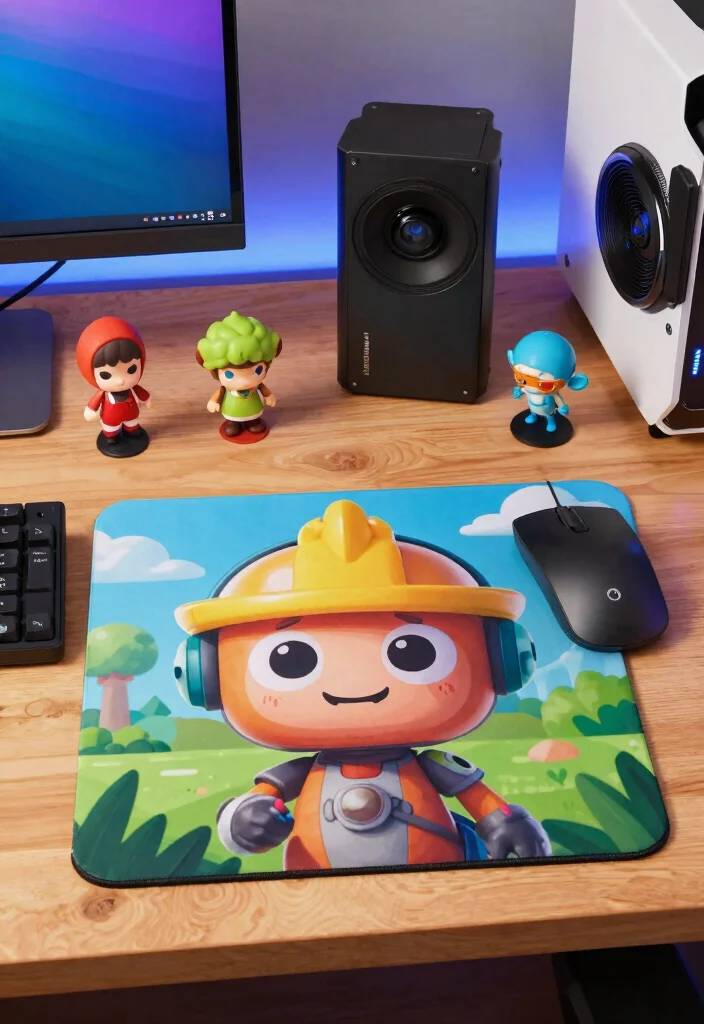
Incorporating fun gaming accessories into your office can elevate its aesthetic while injecting a playful vibe. These items reflect your personality and can enhance your gaming experience. From quirky mouse pads to themed desk toys, these accessories can spark joy and creativity in your workspace.
Choosing accessories that resonate with your style not only makes your office more enjoyable but also aligns with the trend of personalized workspaces.
Here are some accessory ideas to consider:
– Select unique mouse pads that showcase your favorite games.
– Display figurines or toys that inspire you during gameplay.
– Add fun tech gadgets to streamline your tasks and add flair.
Surrounding yourself with accessories you love makes your gaming office a more inviting and enjoyable place to spend time.
Fun Gaming Accessories
Editor’s Choice


10. Natural Elements and Plants
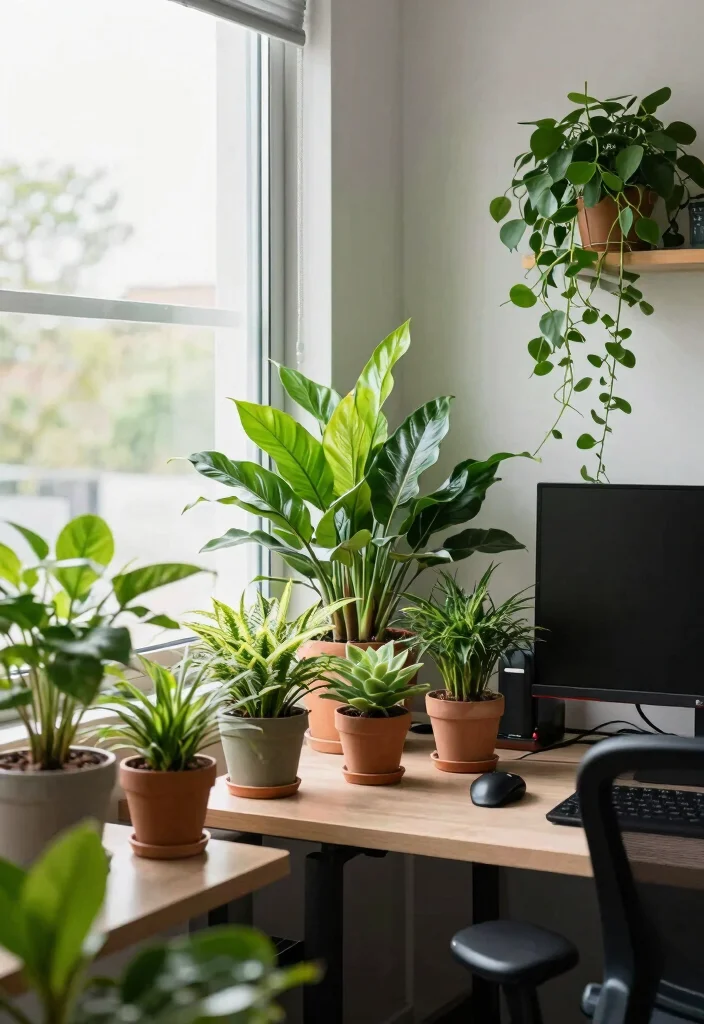
Bringing natural elements into your gamer office through houseplants can enhance its ambiance and create a refreshing atmosphere. Not only do plants improve air quality, but they also add a splash of color and life to your space.
Opt for low-maintenance plants like snake plants or pothos that thrive indoors, allowing you to enjoy greenery without the stress of extensive care. This trend aligns with the growing appreciation for biophilic design, which emphasizes the connection to nature.
Here are tips for incorporating plants into your office:
– Strategically place plants on your desk or shelves for visual interest.
– Mix various types of plants for a dynamic look.
– Choose hardy plants that require minimal care for busy gamers.
A touch of nature can create a calming atmosphere, enhancing your focus during intense gaming sessions.
Natural elements elevate focus and vibes for gamer office ideas. A low-maintenance plant like a snake plant or pothos thrives on your desk, improving air quality with zero-fuss care. Group two or three greens for a quick biophilic upgrade.
11. Cable Management Solutions
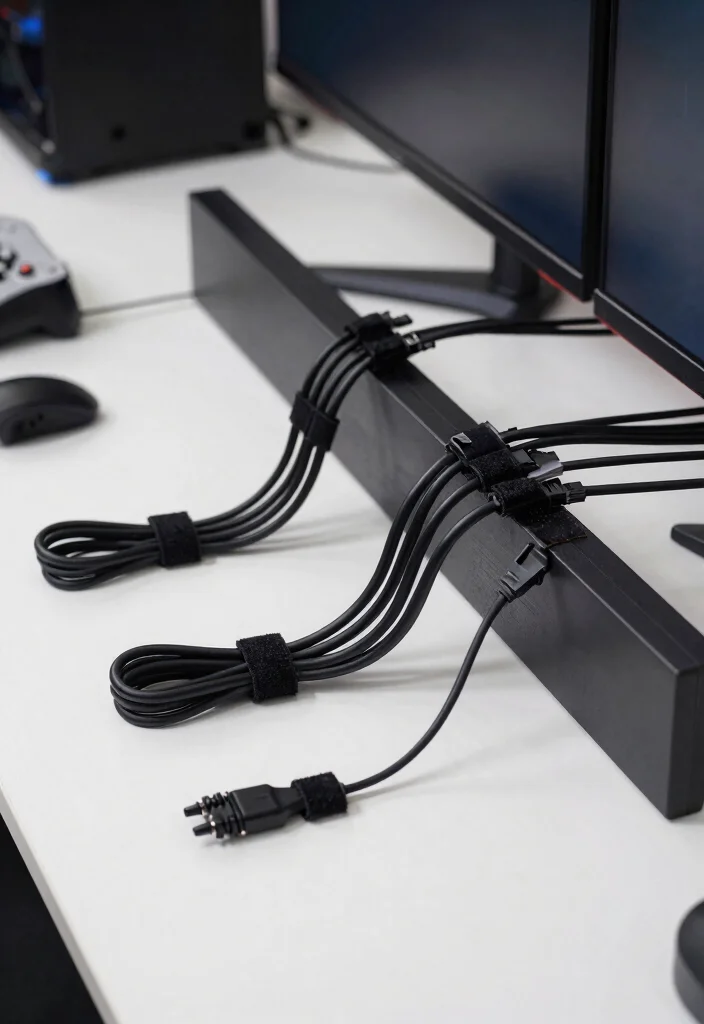
Tangled cables can be frustrating and distracting in any gaming setup. Implementing effective cable management solutions not only tidies up your office but also enhances its overall aesthetic.
Using tools like cable trays, clips, or sleeves can keep your cables organized and out of sight, contributing to a cleaner workspace that promotes focus. This approach aligns with the trend toward minimalist and organized environments.
Here are some tips for a clean setup:
– Use cable clips to attach cables to the back of your desk.
– Bundle cables together with Velcro straps to prevent tangling.
– Color-code labels for easy identification of different cables.
A neat workspace boosts efficiency and helps maintain your focus, allowing you to fully enjoy your gaming experience.
Fun fact: tidy cables can boost perceived productivity by up to 20% in gaming setups. Use cable trays, clips, and sleeves to hide cords—your gamer office ideas come to life and focus stays sharp.
12. Functional Storage Solutions
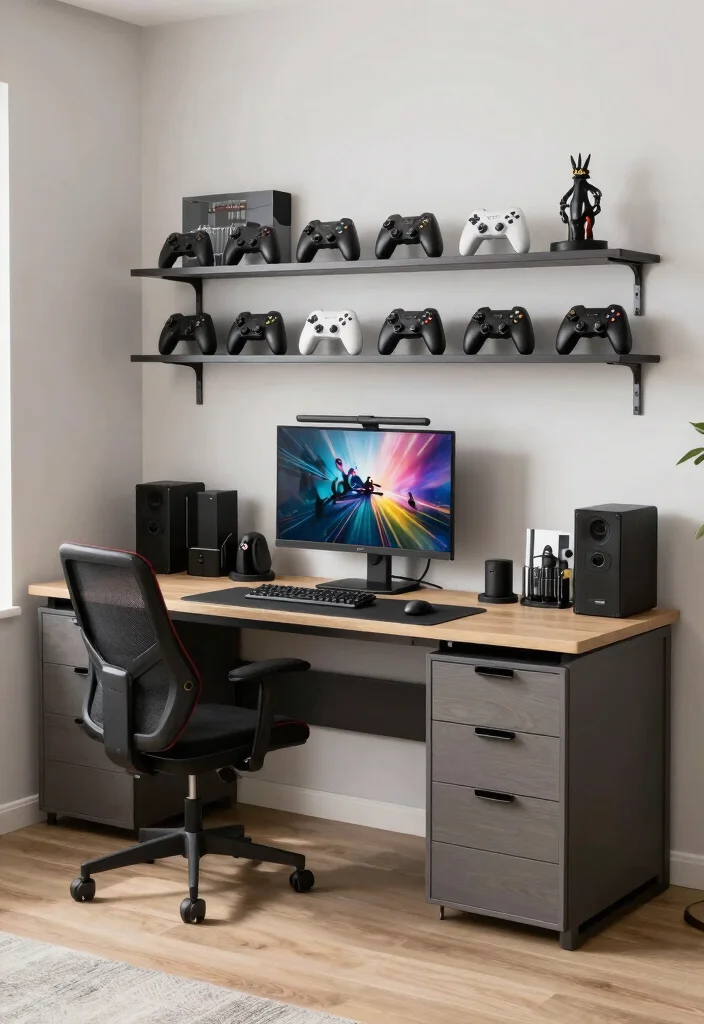
Efficient storage solutions are vital for maintaining an organized and functional gamer office. With the right storage, you can keep your gear tidy and find items quickly when you need them.
Investing in drawers, shelving units, or storage bins can help create a clutter-free environment, enhancing your overall gaming experience. This aligns with the trend of maximizing space and functionality in home offices.
Here are some tips for effective storage:
– Use drawer organizers to separate your gear and accessories.
– Install floating shelves to display collectibles while saving floor space.
– Consider multi-purpose furniture with built-in storage for maximum utility.
With the right storage solutions, your gamer office can become an efficient space that accommodates everything you need without feeling cramped.
13. Incorporate a Mini Fridge
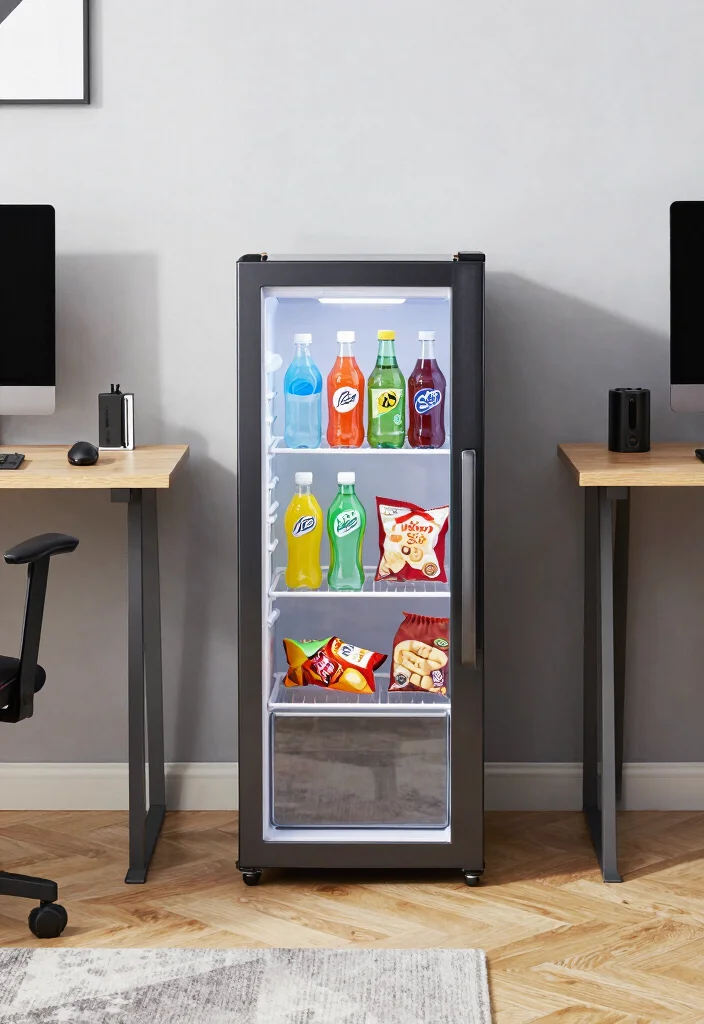
For those long gaming sessions, having a mini fridge within reach can be a game-changer. It allows you to keep your favorite snacks and drinks close by, minimizing interruptions to your gameplay.
Look for a compact fridge that complements your office design while fitting seamlessly into your space. This addition aligns with the trend of creating convenient and functional gaming environments.
Here are some tips for your mini fridge:
– Choose a size that fits well in your setup without overcrowding.
– Keep it stocked with healthy snacks and refreshing drinks to fuel your gaming.
– Select a design that matches your office aesthetics for a cohesive look.
With a mini fridge nearby, you can game longer and stay energized while enjoying your favorite treats.
Fun fact: a 1.2–1.5 cu ft mini fridge sits neatly beside your gaming desk, keeping snacks within arm’s reach. In practical gamer office ideas terms, this reduces snack trips by about 30% during long sessions. A compact fridge that matches your setup fuels smoother streams and fewer interruptions.
Incorporate a Mini Fridge
Editor’s Choice


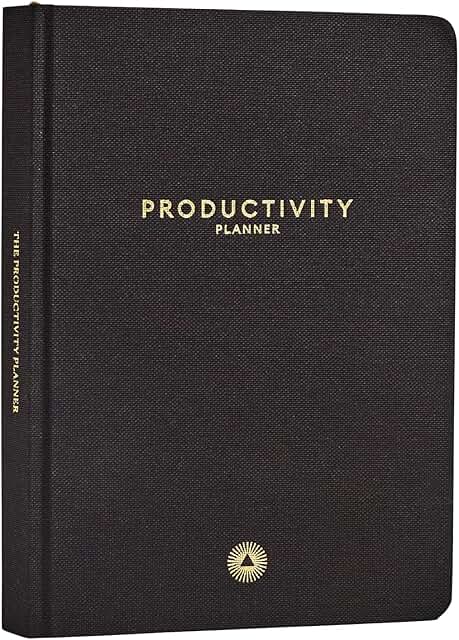
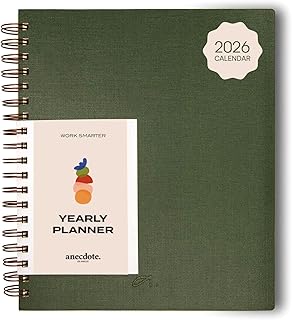
14. Use a Whiteboard or Planner
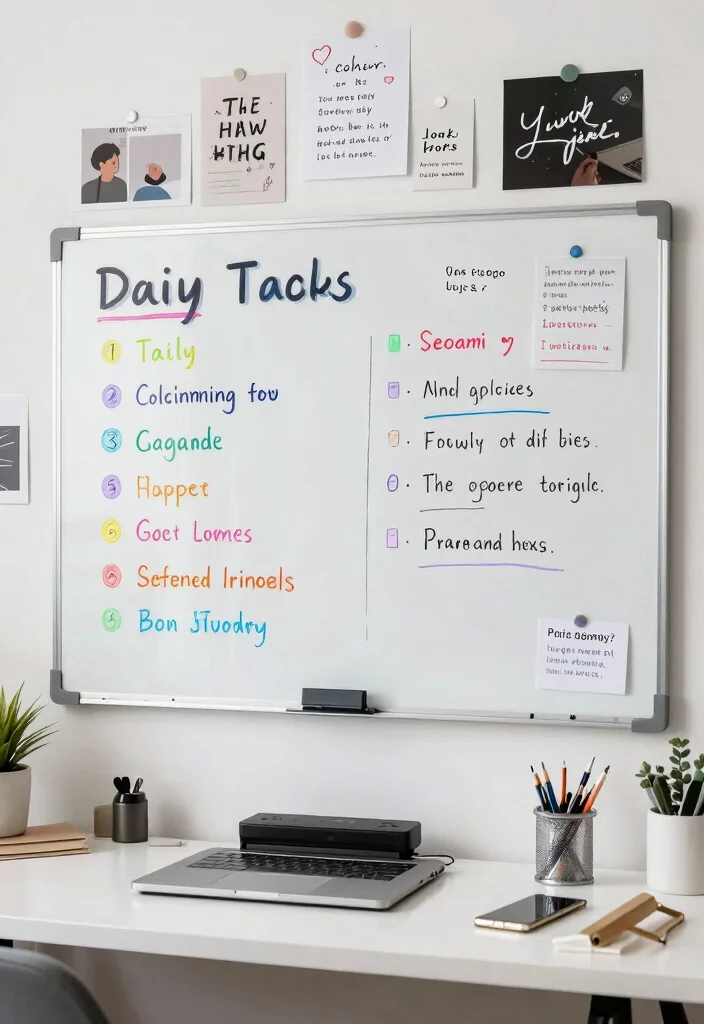
Keeping track of your gaming schedule, content plans, and goals can streamline your productivity. A whiteboard or planner in your office allows for easy organization of tasks and ideas, helping you stay focused and on track.
Hang a whiteboard on your wall to jot down daily goals, game releases, or streaming schedules. This organizational tool aligns with the trend of creating efficient and goal-oriented workspaces.
Here are some planner tips to enhance your effectiveness:
– Use the planner for a weekly overview of tasks and gaming goals.
– Create an inspiration board with images and quotes that motivate you.
– Implement color coding for various tasks to make organization intuitive.
By establishing an effective planning tool, you can enhance your efficiency and keep your passion for gaming on track.
Use a Whiteboard or Planner
Editor’s Choice


Conclusion
Creating the perfect gamer office is all about personalizing your space to reflect your creativity and passion. By integrating immersive setups and functional designs, you can craft an environment that inspires both gaming and productivity.
From cozy reading nooks to tech-savvy accessories, every element plays a role in enhancing your gaming experience.
Transform your workspace into a haven that fuels your passion for gaming and content creation.
Note: We aim to provide accurate product links, but some may occasionally expire or become unavailable. If this happens, please search directly on Amazon for the product or a suitable alternative.
This post contains Amazon affiliate links, meaning we may earn a small commission if you purchase through our links, at no extra cost to you.
Frequently Asked Questions
What are practical gamer office ideas for creating an immersive setup?
Kick off with a strong focal screen (ultrawide or 4K monitor) to anchor your immersive gaming setup. Pair it with an ergonomic chair and a height-adjustable desk for long streams. Tidy cables with sleeves, clips, and a cable tray to keep your gaming workspace clean. Position your mic and webcam for flattering angles and natural framing. Bring in office decor tips like a cohesive color palette, a few gamer-themed wall prints, and floating shelves for personality. Layer lighting with ambient LEDs plus a bias light behind the monitor to boost immersion and reduce eye strain. For creative desk ideas, think hidden storage in the desk, magnetic cable organizers, and a dedicated shelf for your gear.
How can I build a gaming workspace for streaming on a budget?
Yes, you can craft a great gaming workspace on a budget. Start with a solid desk you already own or a second-hand find, then add a budget ergonomic chair or a used chair in good condition. Use affordable monitor arms to free desk space and create a clean gaming workspace. DIY cable management with inexpensive sleeves and adhesive clips. For lighting, cheap LED strip lights or a small, adjustable desk lamp can dramatically improve mood and video quality. Tidy cables with inexpensive sleeves. For streaming, a decent microphone and webcam are worth saving for, but you can start with a USB mic and upgrade later. Keep backgrounds uncluttered—think a small shelf with a few tasteful gamer items for gamer room inspiration without overwhelming the frame.
What are essential office decor tips for a gamer room that shines on camera?
Choose a unifying color palette (dark neutrals with pops of neon or your brand colors), add a few high-quality posters or shelves with meaningful items, and keep clutter down. Use ambient lighting, a key light for your face, and a backlight to separate you from the background. Use greenery or acoustic panels that also look stylish. Arrange items for pleasing composition that translates well on camera, and use tricks like a simple backdrop or branded elements that fit your room style. For creative desk ideas, install a floating desk with open shelving, or use modular components to reconfigure your space as your channel grows.
How do I create an immersive gaming setup for content creators?
Focus on display and audio: an ultrawide or dual monitor setup, consistent color profile, and a stable mic/streaming gear. Use proper lighting: key light, fill light, background lights. Position the camera at eye level and ensure your background is visually appealing but not overpowering. Sound dampening: soft rug, curtains, and acoustic panels. Organize with creative desk ideas like hidden storage, cable channels, a cable relief on the back of desk to keep wires out of frame. Add office decor tips such as branded desk mat, game-themed decor items, or a logo sign.
How can I maximize space in a small gamer room while keeping it comfy?
Choose a corner or wall-efficient layout: corner desk with a monitor arm, vertical storage, and wall-mounted shelves to keep floor space clear. Use a compact yet ergonomic chair and a foldable guest chair if needed. Run cables along walls with adhesive clips or a raceway, and use under-desk cable trays. Use a slim media cabinet for gear and a compact mic/webcam setup. For acoustics and comforts, add a rug, curtains, and acoustic panels that double as wall art—functional and stylish. Use gaming workspace accessories thoughtfully, so you maintain gamer room inspiration without clutter.